
Managing Teams
Work together with your colleagues as efficiently as possible by dividing into teams and sharing the workloads.
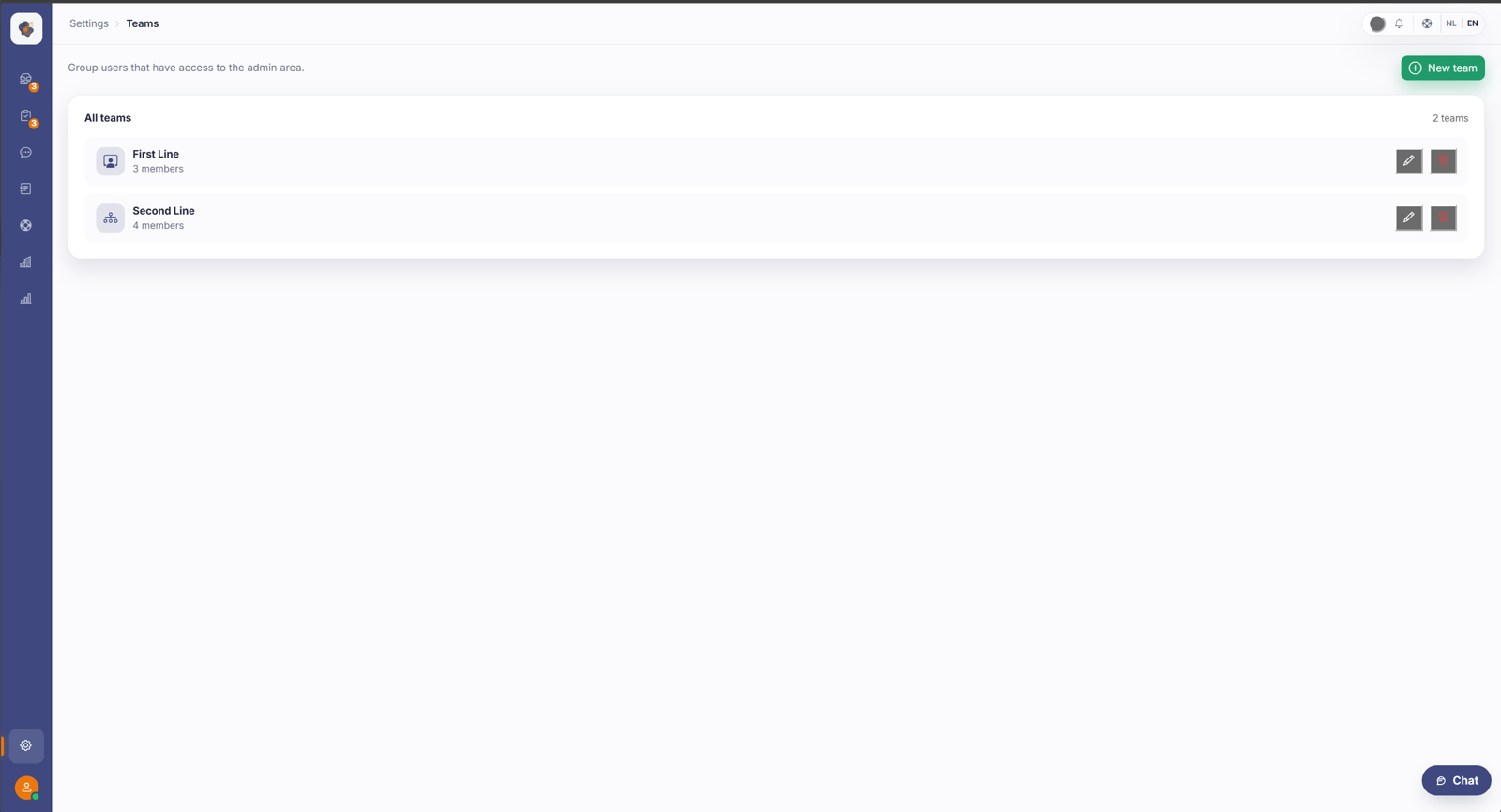
Short answer: go to Settings → Teams to create teams and manage their members. Teams connect to the shared inboxes you use to spread conversations across your organisation.
Step by step
- Open Settings and choose Teams.
- Create a team, for example First Line or Second Line.
- Add the right members and manage them per team.
Good to know
Teams are the logic behind your team inboxes: a shared queue belongs to a team, and whoever is in that team sees and handles those conversations. A clear team structure (for example first and second line) makes passing conversations along far more logical.
Two things to watch. When you edit a team, the member list is fully replaced by your new selection, so add existing members back in too, or you'll lose them. And assigning a conversation to a team doesn't send a personal notification to the members; they pick it up by following the team inbox.
Also searched as
"create a team", "add members to a team", "set up first and second line", "who belongs to which team"
See also
Was this article helpful?
Your feedback helps us improve this article.
Thanks for your feedback!
